- Home
- Mobile apps
TalkingDot for Android and iPhone
Answer your website visitors from your phone: the shared inbox, who you are talking to and a push notification the moment someone needs you. On its way to Google Play and the App Store — free on every plan.
Can't wait? Use TalkingDot on your phone today — it installs like an app.
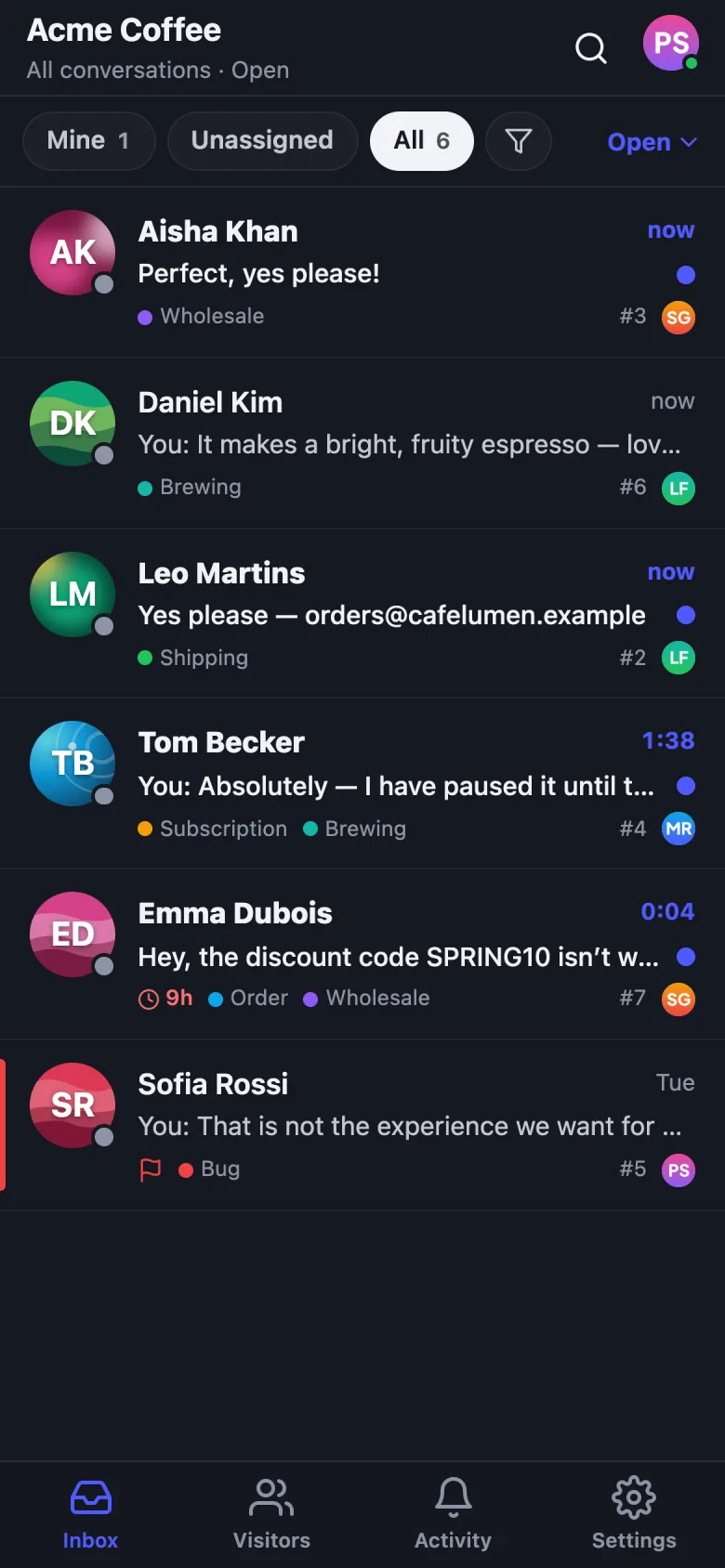
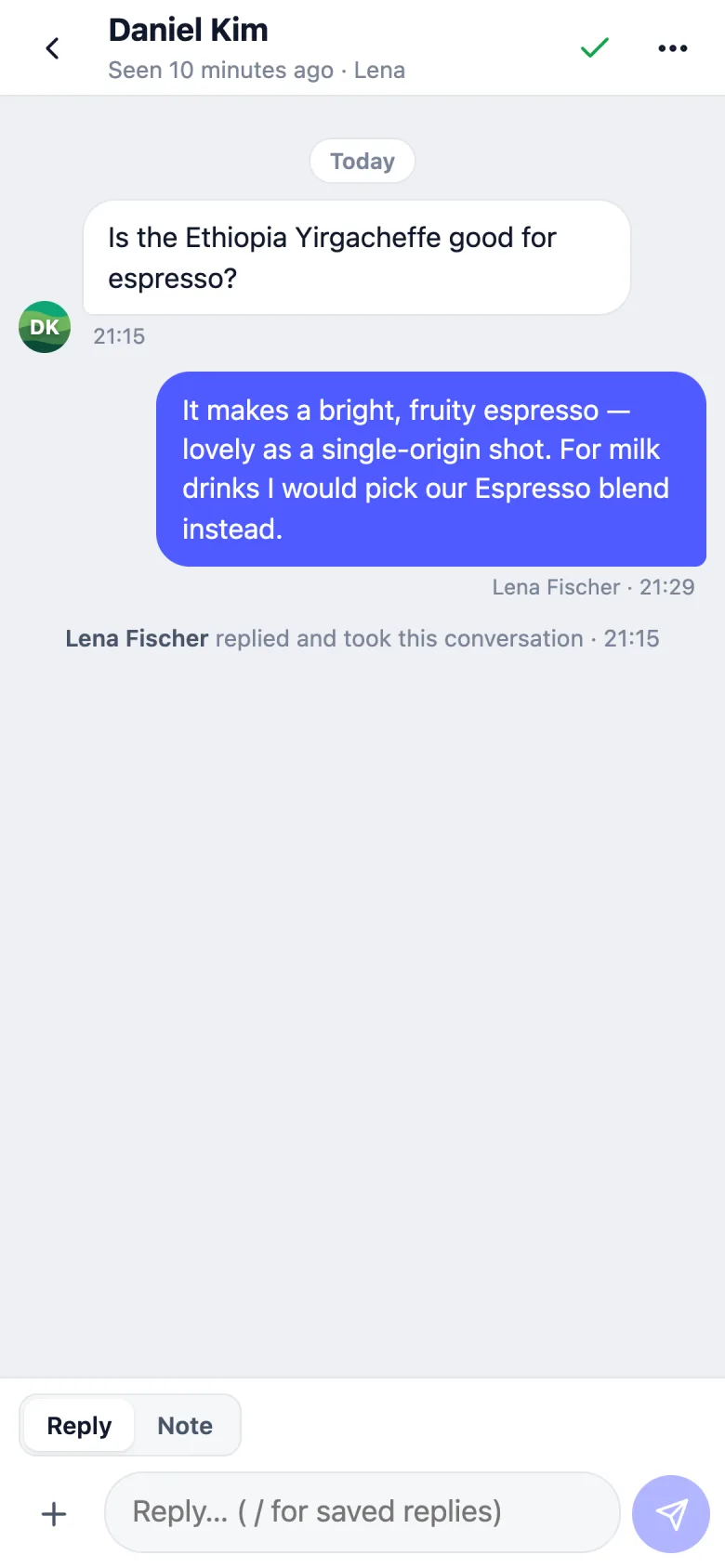
Everything you need to answer on the go
Your inbox, live
Your conversations, Unassigned, All, Mentions, teams and tags — open, snoozed or closed. New messages appear the moment they arrive.
Reply your way
Replies and internal notes with photos and files, saved replies (type /), @mentions and live translation when it is on for your workspace.
Assign, tag, snooze
Assign to yourself or a teammate, move to a team, set tags and priority, snooze, close and reopen, or email the transcript.
Know who you are talking to
The contact's details, tags, notes, recent pages and past conversations — plus their WHMCS or WooCommerce customer card.
Push notifications
New chats for you or nobody, conversations assigned to you and mentions — with quiet hours, sounds and Away when you are off.
Live visitors
See who is on your website right now and start a conversation with them — before they leave.
Locked and private
Face ID, Touch ID or fingerprint lock. Your sign-in stays in the phone's secure storage, never your password.
All your workspaces
Switch between websites and brands from the inbox title, each with its own unread count. Light and dark mode.
A closer look
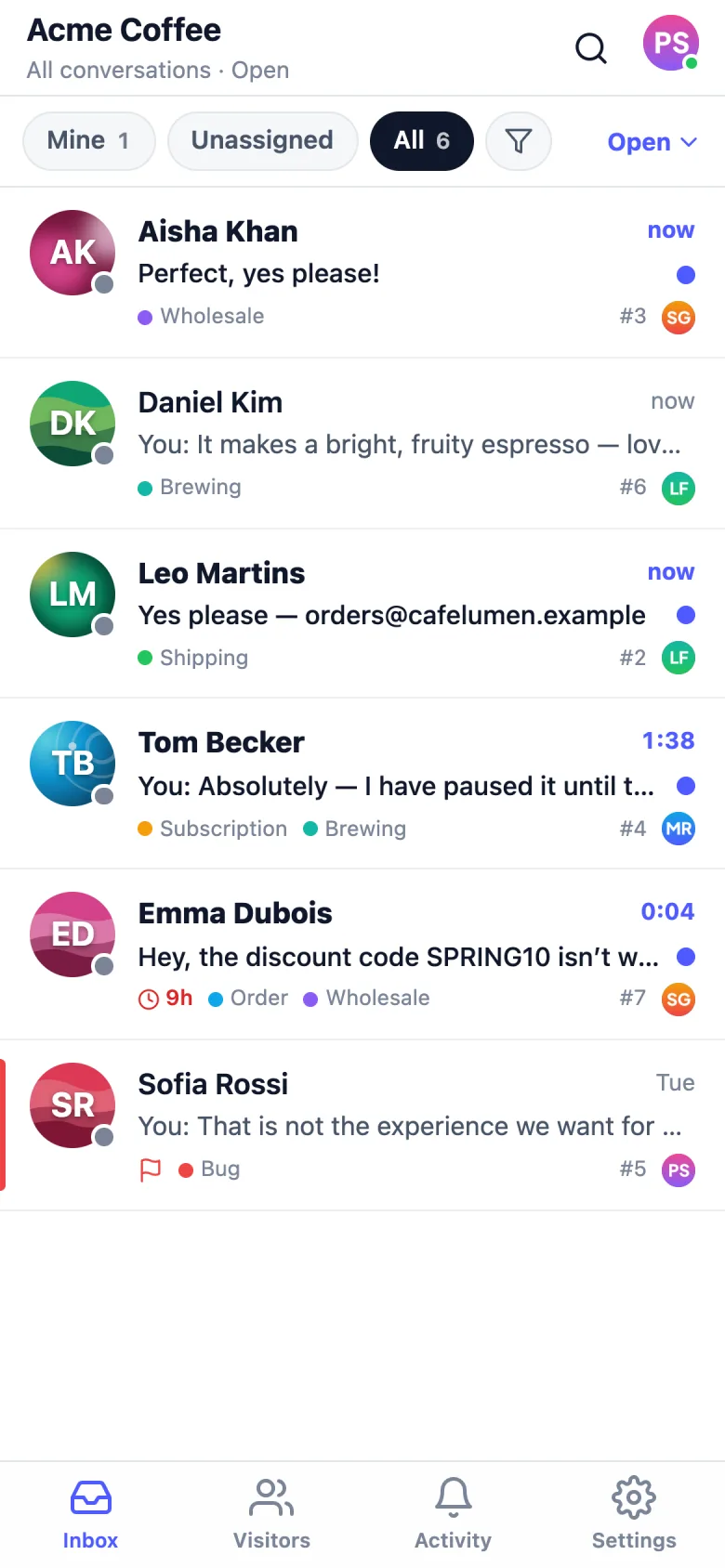
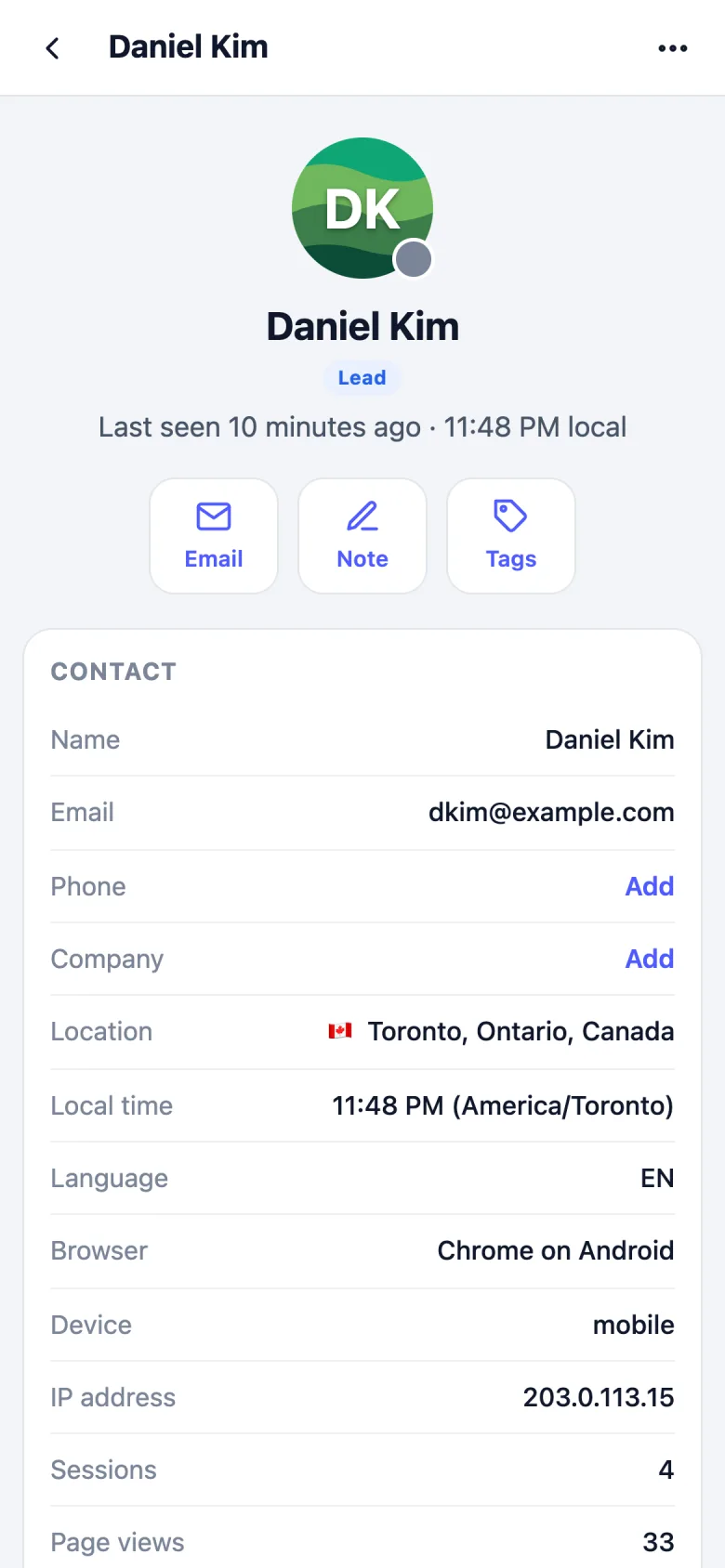
Use TalkingDot on your phone today
Until the apps are in the stores, the TalkingDot inbox installs from your phone's browser and works like an app, with push notifications.
- 1
Sign in on your phone
Open talkingdot.com/login in Chrome or Safari and sign in.
- 2
Add it to your home screen
Android: menu ⋮ → Install app. iPhone: Share → Add to Home Screen.
- 3
Turn on notifications
Open it from the home screen and allow notifications (iPhone: iOS 16.4 or newer).
Frequently asked questions
When will the TalkingDot apps be available?
We are finishing the Android and iPhone apps for Google Play and the App Store, and we will announce the launch on our release notes. Until then, you can install TalkingDot from your phone's browser — see the steps above.
Do the apps cost extra?
No. The apps are free to download and work with every TalkingDot plan, including Free.
Which phones are supported?
Android 7 or newer, and iPhone and iPad with iOS 15 or newer.
What can I do in the app?
Everything you need to answer customers: your conversations and folders, replies and internal notes with photos and files, saved replies, assignment, teams, tags, priority and snooze, the contact's details and customer card, live visitors, mentions, and push notifications — across all your workspaces.
Is my account safe on a phone?
The app keeps its sign-in in your phone's secure storage (Keychain on iPhone, Keystore on Android), never your password. You can lock it with Face ID, Touch ID or your fingerprint, remove a lost phone from the web, and phones that are not used for 90 days are signed out automatically.
More detail in the mobile app guide.
Start free today — the apps are coming
Create your account now and use the inbox on the web and your phone. Your team, conversations and settings are there when the apps arrive.
Free plan foreverNo credit cardUnlimited teammates