- Home
- Announcements widget
A “What’s new” widget, built into your live chat
Tell visitors what’s new without another tool or another script. TalkingDot announcements appear in your messenger’s What’s new tab, on any button of your own with an unread badge, as a one-time pop-up and by email — and when someone replies, it’s a chat in your shared inbox.
Announcements come with Starter, Pro, Lifetime and Reseller accounts. The live chat, popups and help center are on every plan, including Free.
Try it live — on this page
This site runs TalkingDot’s own announcements. Each button below is an ordinary button with data-talkingdot-news — the red number is your unread count, and it disappears once you’ve looked.
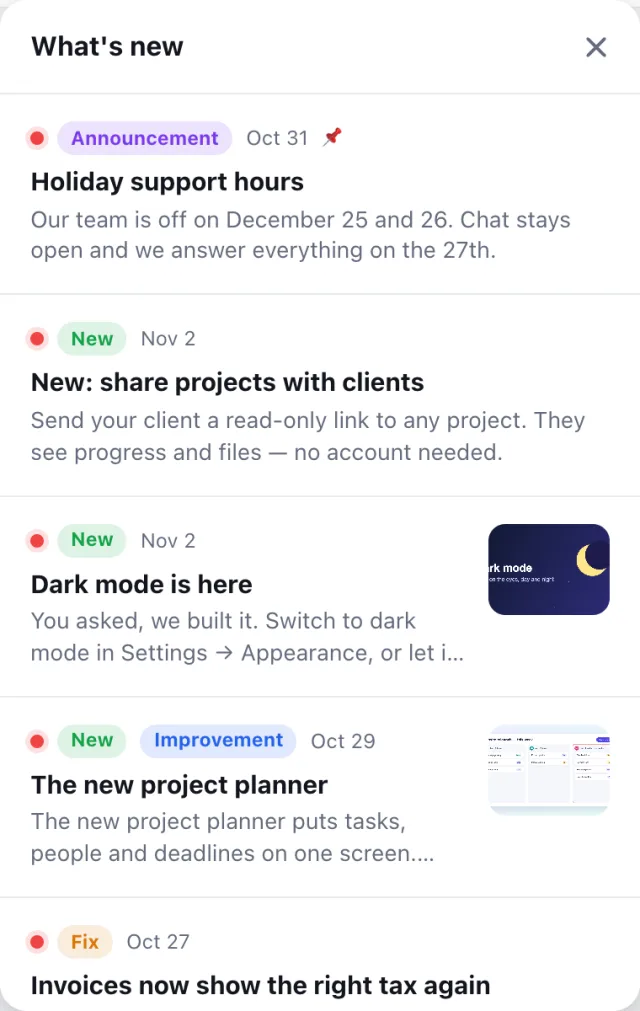
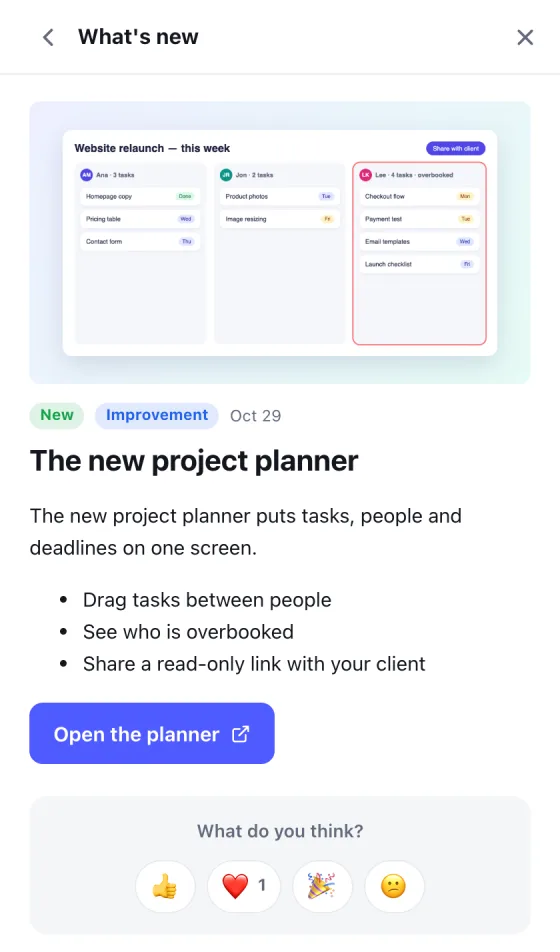
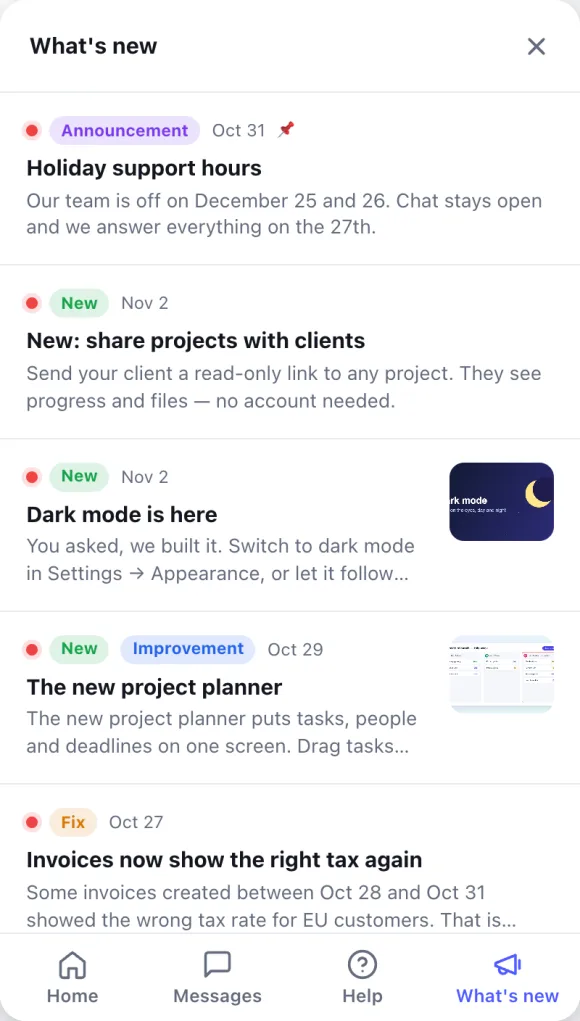
Our real release notes, in a real TalkingDot messenger. React to a post, or press “Reply” to ask us about it.
What you get
A What’s new tab in your messenger
The number of unread posts on the tab, and your newest post on the messenger’s Home screen.
Your own button, with a badge
Add data-talkingdot-news to any link or button: it shows the unread count and opens your posts in a popover or a sidebar. Learn more about Your own button, with a badge →
A one-time pop-up
A new post can show once as a card above the chat button — only to people who haven’t seen it.
Reactions and replies
Emoji reactions under every post, and “Reply” starts a chat that tells your team which post it answers.
Email subscribers
Visitors subscribe with double opt-in. Posts go out in their language, through your own mail server if you have one.
Pictures, video and buttons
Cover pictures, YouTube, Vimeo and Loom videos that play inside the post, labels, scheduling, expiry dates and pins.
Get started in three steps
- 1
Write a post
Engage → New → News post: text, a picture or a video, a button and labels.
- 2
Publish or schedule it
It appears in your messenger straight away — there is nothing new to install.
- 3
Add your own button
Optional: put data-talkingdot-news on a menu item or a bell for a badge and a popover.
Frequently asked questions
Do I need to install anything new?
No. Announcements come with the messenger: if its snippet is on your site, the What’s new tab appears as soon as you publish a post. A button of your own only needs the data-talkingdot-news attribute.
Will it slow my website down?
There is no second script: announcements are part of the messenger, which loads after the page, or right away when something must show. In our test on a slowed-down phone connection the standard snippet added 0 ms of blocking time and no layout shift. See the numbers.
Can I show a post to some visitors only?
Yes: to everyone, new or returning visitors, people you don’t have an email for yet, leads, or logged-in users of your site. A post can also be scheduled, hidden after a date, or pinned to the top.
How is it different from AnnounceKit or Beamer?
Those are separate products, with their own script and subscription. Here announcements live in the messenger you already have, so a visitor’s reply is a chat in your shared inbox. Your posts can also appear on a public changelog page in your help center, with an RSS feed (with Starter, Pro, Lifetime and Reseller accounts).
What does it cost?
Announcements are included with Starter, Pro, Lifetime and Reseller accounts — no separate subscription.
Tell your visitors what’s new
Start free, publish your first post in a minute.
Free plan foreverNo credit cardUnlimited teammates